
Create a Custom AI Bot: 7 Easy Steps
How to Create a Custom AI Bot for Your Website Using GPT-4
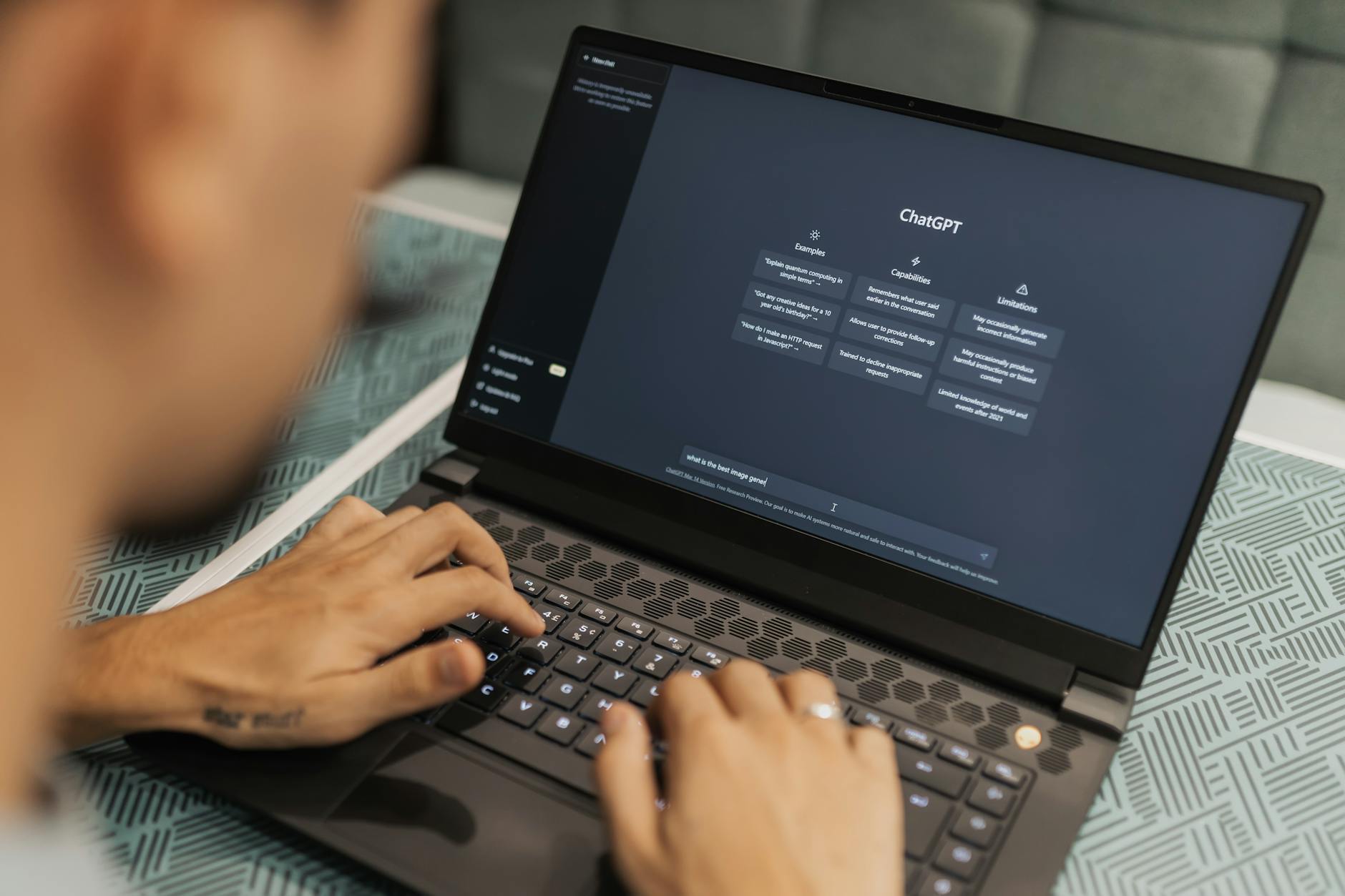
With the rise of AI technology, having a custom AI bot on your website can significantly enhance user interaction and automate mundane tasks. With the capabilities of GPT-4, creating an AI bot that understands and responds to users in a human-like manner has never been easier. This guide will walk you through the steps to create a custom AI bot for your website using GPT-4 effectively.
Why Use GPT-4 for Your AI Bot?
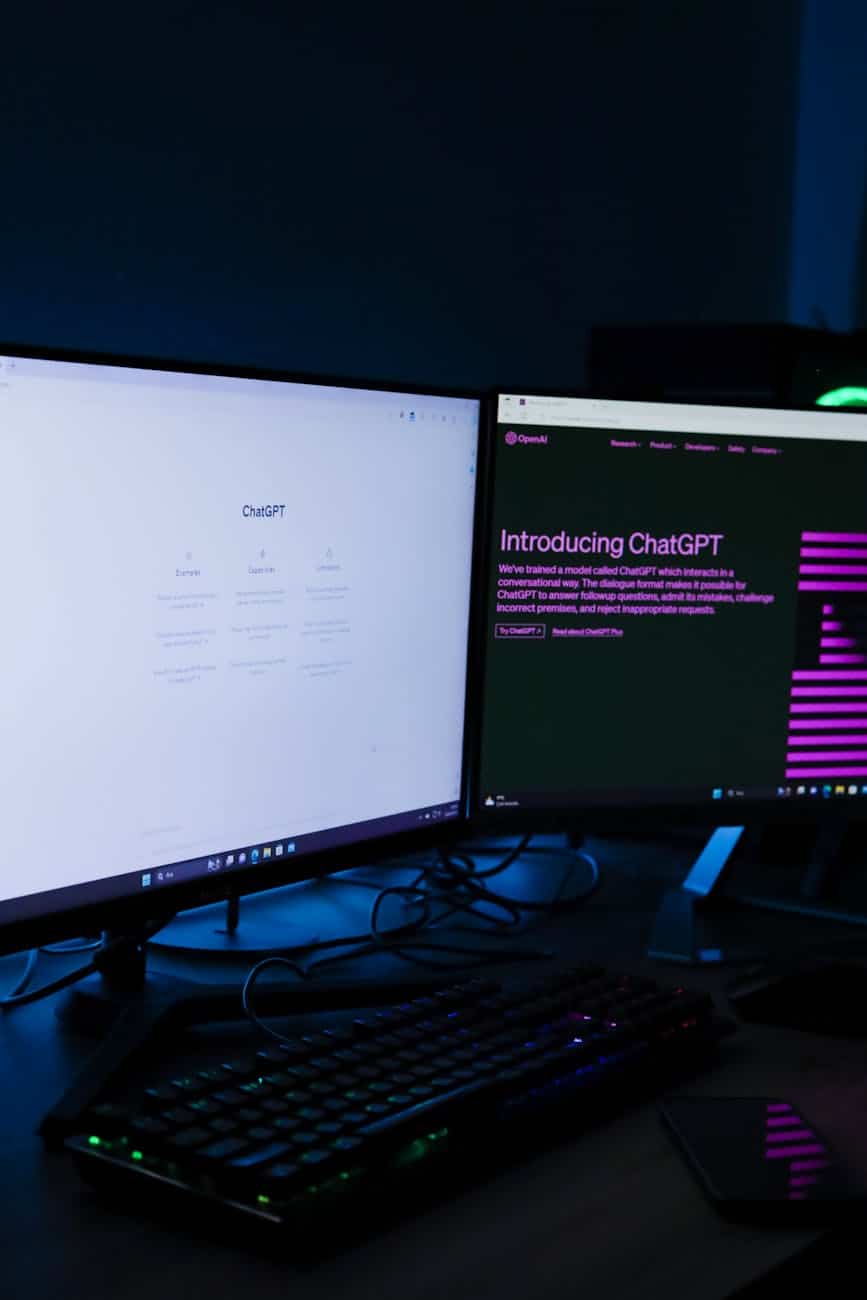
GPT-4 is one of the most advanced language models available today, renowned for its ability to understand context and produce human-like text. Here are some reasons why GPT-4 is an excellent choice for your custom AI bot:
- Versatility: GPT-4 can handle a wide range of topics, making it suitable for various industries.
- Natural Language Processing: Its sophisticated algorithms let it understand and generate contextually relevant responses.
- Personalization: Easily trainable to adapt to your brand’s tone and style, offering personalized user interactions.
- Cost-Effective: Reduces the need for constant human monitoring while offering detailed interactions with users.
Step 1: Define the Purpose of Your AI Bot
Begin by clearly understanding what you want your custom AI bot to achieve. Is it to provide customer support, assist with sales, or gather user feedback? Clearly defining its purpose will help you design the bot’s functionality and training.
Step 2: Choose the Right Platform
Selecting a platform that supports AI integration with GPT-4 is essential. Platforms like OpenAI, Microsoft Azure, or AWS offer robust environments for developing and deploying AI models.
Step 3: Train Your GPT-4 Model
Training your GPT-4 model involves providing it with relevant data and scenarios that it is likely to encounter on your website. Curate datasets that reflect user queries and appropriate responses to enhance its learning. A successful AI bot should understand its domain to provide informative and helpful answers.
Step 4: Integrate with Your Website
Once the GPT-4 model is trained, the next step is integration into your website. This can be achieved through APIs that allow your website to communicate with the AI. Most platforms will have detailed guides on integrating their AI services into your website.
Step 5: Test and Optimize
After deploying the AI bot on your website, testing it thoroughly is crucial. Conduct real-world tests to examine how the bot interacts with users and identify areas for improvement. Feedback loops and performance metrics are vital in this stage to ensure your AI bot functions as expected.
Step 6: Monitor Performance
Continuous monitoring is important to ensure that the AI bot meets user expectations and performs seamlessly. Set up analytics to track the bot’s interactions, response accuracy, and rating from users. Use these insights to make iterative improvements.
Step 7: Gather Feedback and Iteratively Improve
User feedback provides insights into the AI bot’s performance. Encourage users to offer feedback and use this data to optimize the interactions further. Iterative improvements ensure that your bot remains effective and can handle new types of queries.
Benefits of Having a Custom AI Bot
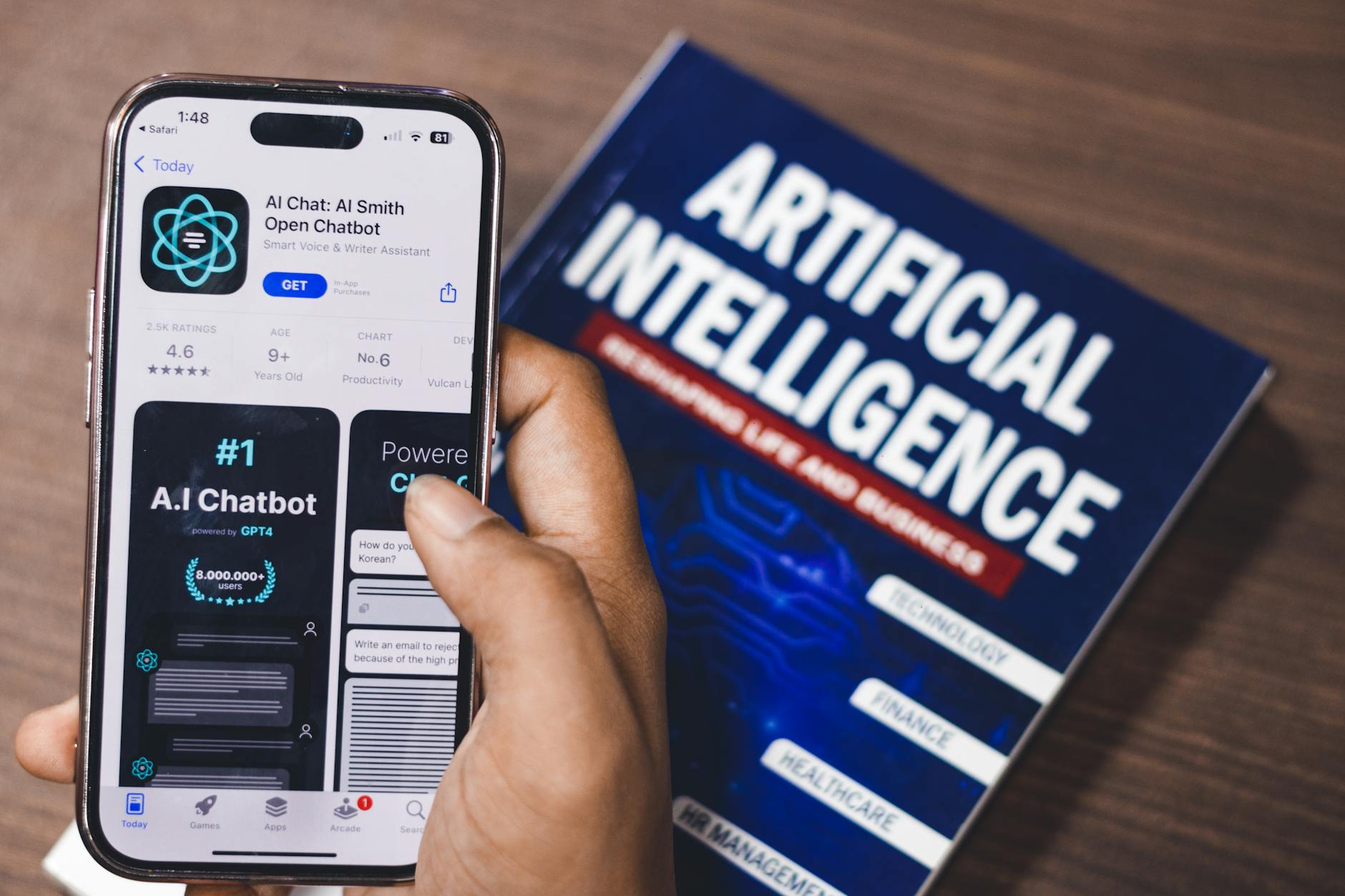
Installing a custom AI bot using GPT-4 offers numerous benefits:
- Provides 24/7 customer support without human intervention.
- Enhances user engagement through personalized interaction.
- Optimizes operational costs by automating repetitive tasks.
- Collects valuable user data, offering insights into user behavior and needs.
Conclusion
Creating a custom AI bot for your website using GPT-4 is a strategic move to enhance user experience and streamline operations. By following these steps and continuously monitoring and improving your AI bot, you can ensure that it meets and exceeds user expectations. Embrace the power of AI today and take your website’s user interaction to the next level.
If you’re interested in further refining your AI’s functionalities or need more resources, explore other related content on AI bot development and deployment. Check Also More About Create a Custom AI Bot
Frequently Asked Questions
What is GPT-4?
GPT-4 is the latest language processing AI developed by OpenAI, known for its advanced capabilities in understanding and generating human-like text.
How do I create a custom AI bot for my website using GPT-4?
You can create a custom AI bot by defining its purpose, selecting a supportive AI platform, training the model with relevant data, integrating it with your website via APIs, and continuously testing and improving it based on performance feedback.
Can GPT-4 handle multiple types of queries?
Yes, GPT-4’s vast training and sophisticated algorithms enable it to handle various queries across different domains efficiently.
What platforms support GPT-4 integration?
Platforms like OpenAI, Microsoft Azure, and AWS provide environments and tools for integrating GPT-4 into web applications effectively.
Do I need programming skills to create a custom AI bot using GPT-4?
While having programming knowledge is advantageous, many platforms offer user-friendly interfaces that simplify the process, allowing those with minimal technical skills to participate in AI bot development.